

AI Sales Agent with Twilio SMS Integration
Turn SMS into your highest
converting channel.
10X conversations
3X conversions
Converts 24/7 with CRM automation
Drop in your URL.
We’ll build your AI Agent in 2 minutes.
MagicBlocks scans your website, learns your services and tone of voice — then creates a custom AI that turns cold traffic into warm leads, consultations, or signups, 24/7.
🧠 Interact with it in 2 mins • 🧩 No tech skills needed • 💳 No credit card
You've got Twilio. Now connect it with an AI Agent that actually converts.
You've got Twilio — powerful SMS infrastructure that can reach anyone, anywhere. But here's the thing: sending text notifications isn't the same as having conversations that close deals.
MagicBlocks changes that.
It's an AI Sales Agent that doesn't just send messages — it has real conversations over SMS. Qualifies leads. Handles objections. Books meetings. Drives action. All through the channel with 98% open rates and 45% response rates. Your Twilio number becomes a revenue-generating machine.
MagicBlocks changes that.
It's an AI Sales Agent that doesn't just send messages — it has real conversations over SMS. Qualifies leads. Handles objections. Books meetings. Drives action. All through the channel with 98% open rates and 45% response rates. Your Twilio number becomes a revenue-generating machine.
Reach prospects where they respond
Why Twilio users love MagicBlocks?
>70% open rates
Email gets ignored. Calls go to voicemail. SMS gets read. Your AI agent qualifies every lead via text — whether they're responding at 10pm or 6am. Instant engagement. Zero delays. Maximum conversion.
Seamless Twilio integration
Connect once, text forever. Your MagicBlocks AI works through your existing Twilio number. No new infrastructure. No number changes. Just plug in your credentials and start having conversations that convert.
Proven $200M sales framework
Built on the HAPPA methodology that's generated $200M+ in sales. Your AI doesn't just send texts — it hooks attention, aligns with needs, personalizes solutions, pitches value, and drives action. Every SMS conversation moves the deal forward.
Never miss opportunities. Respond in seconds, every time.
42% of leads are after-hours, and you’ll 5x conversions if you respond within 5 minutes. MagicBlocks AI Agents respond in 5 seconds, day or night, and handle many chats at once.
Stop chasing leads that don’t meet the lending criteria.
Don’t waste another second chasing unqualified mortgage leads. Let your MagicBlocks AI Agent pre-qualify, convert, and respond to all incoming requests, freeing up your team's time.
The emotional intelligence and expertise of your top broker.
These AI agents establish instant rapport with users, resulting in over 30% higher conversions. They are more engaging than humans and can recall even the most complex mortgage details instantly, even at 2am.
Be up and running in no time. If you can type, you can build.
Our mortgage AI Agents can be quickly added to your website without needing any technical skills. Choose from expert-designed templates or create your own. Easily integrate all leads into any CRM, such as HubSpot or GoHighLevel.
What’s the Difference?
MagicBlocks AI SMS Agent vs. Basic SMS
Basic SMS blasts messages out; MagicBlocks turns messages into meaningful, automated interactions that actually move the needle.
Basic SMS Automation
MagicBlocks + Twilio
Conversation Quality
One-way broadcasts
✅ Real two-way sales conversations
Lead Qualification
None — just sends reminders
✅ Deep qualification via conversational SMS
Objection Handling
No response capability
✅ Real-time objection handling & persuasion
Response Rate
Low — people ignore broadcasts
✅ 45% response rate — actual engagement
Personalization
Generic blast messages
✅ Personalized responses based on context
Conversion Focus
Delivery focused, not sales
✅ Actively drives to goals & bookings
Availability
Scheduled sends only
✅ 24/7 instant responses
What makes MagicBlocks AI Agents different?
They don’t just reply. They clarify, qualify, and convert.
Built for instant connection.
Reads visitor signals like location, time of day, pages viewed, and opens with a message that feels like it’s reading their mind.
Drives to your CTA, not random replies
Whether it’s “Book a Discovery Call,” “Apply for Coaching,” or “Download Our Offer Deck” — the AI guides the chat toward your desired funnel step.
Keeps the convo aligned to your funnel
The AI doesn’t drift. It handles hesitations, redirects distractions, and stays laser-focused on moving the conversation forward.
Converts without friction.
Forms kill conversions. This AI collects info naturally — name, goals, email, budget — with human-like rhythm and flow.
With an unusual level of emotional intelligence.
Emotionally intelligent. Authentically charismatic.
Developed by a behavioral scientist and performance obsessed marketers, they charismatically tune into how the customer feels.
Smart, fluid, engaging real-time interactions.
Asks the right questions, identifies pain points, and perfectly positions your product as the solution—all on the fly.
Chameleon-like mood adaptation.
Forget robotic, wooden AI Agents. Your AI reads the room and mirrors the customer’s mood.
Speaks any language like a native.
Your AI detects the customer’s browser preferences and launches in their language like a local.
How It Works with Twilio
Connect Twilio to MagicBlocks in minutes. Your AI agent handles SMS conversations. Twilio handles message delivery. You handle closing deals.
Step 1: Set up your Twilio account
Go to twilio.com and create an account. Navigate to Phone Numbers → Buy a Number and purchase an SMS-enabled number. From your Twilio Console Dashboard, copy your Account SID and Auth Token. Keep these handy.
Step 2: Create your SMS Agent
In MagicBlocks, go to Agents → Create New Agent. Important: Select "Messaging Agent" (not Website Agent). Build your conversation journey — set your goals, define when to qualify, and configure what happens when someone responds.
Step 3: Connect Twilio to your Agent
Open your SMS Agent and go to Channels → Add Phone Number → New Connection. Paste your Twilio Account SID and Auth Token. Select your purchased phone number from the dropdown. Click Add. Your AI is now live on SMS.
Step 4: Test and go live
Send a text to your Twilio number. Your AI should respond instantly, qualify you, and drive toward your goal. Import your leads (CSV format), select your SMS Agent, and send initial messages. The AI handles all responses automatically.
Total setup time? Less than 15 minutes. No developers. No complex integrations. Just AI-powered SMS that starts converting immediately.
Frequently Asked Questions
How do I connect MagicBlocks to Twilio?
Head to your Twilio Console Dashboard at twilio.com/console and grab your Account SID (starts with "AC...") and Auth Token (click the eye icon to reveal it)—copy both exactly as they appear. Then in MagicBlocks, go to Library → Connections, find Twilio under SMS/Third-Party Integrations, click Connect, then Create New Connection. Paste your Account SID and Auth Token, hit Connect, and you're linked. Now go to your Messaging Agent, click Channels → Add Phone Number → Select your Twilio connection from the dropdown → Choose your SMS-enabled phone number → Click Add. That's it—your Agent can now send SMS messages through Twilio.
How do I Setup A2P/10DLC for US Numbers?
If you're using a US phone number, you'll need to complete A2P (Application-to-Person) registration through Twilio's 10DLC compliance process before you can send SMS at scale. In your Twilio Console, go to Messaging → Regulatory Compliance and submit documentation showing how you obtained opt-in consent from your contacts—include screenshots of your opt-in forms, website consent language, or any other proof that people actually agreed to receive texts from you. This typically includes your business registration, brand verification, and use case details (like "lead nurturing" or "appointment reminders"). Approval takes 1-3 business days, and once you're cleared, your messages get better deliverability and higher throughput limits. Australian numbers skip this entirely—they're ready to send the moment you buy them. Without 10DLC approval on US numbers, your messages either won't send or will get heavily throttled, so knock this out before launching any real campaigns.
How do I handle STOP requests legally?
You'll want to set up automatic unsubscribe handling in your Journey Builder. Create a Custom Condition that triggers when someone texts "STOP," "UNSUBSCRIBE," or "REMOVE." Mark the lead as Opt-Out in your system and configure a Goal that prevents future messages to that contact. This ensures compliance with SMS regulations and keeps your sender reputation clean. It's critical—don't skip this step.
No workflows. No code. It builds itself.
Perfect conversational AI experiences, filled with proven customer support frameworks — because training AI Agents from scratch was never part of your business plan.
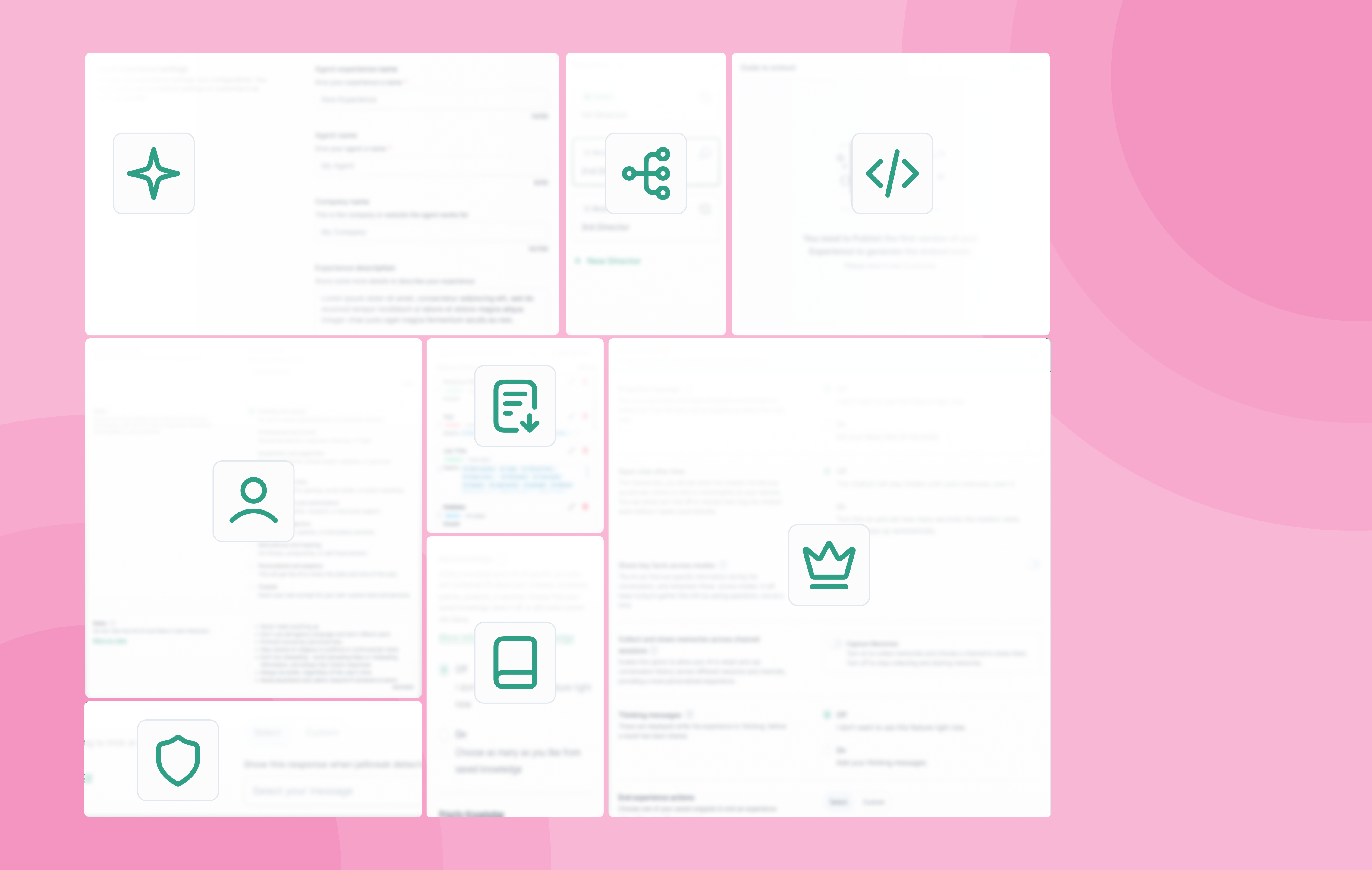
Build powerful agents effortlessly
Use natural language and templates to launch the newest member of your team easily.
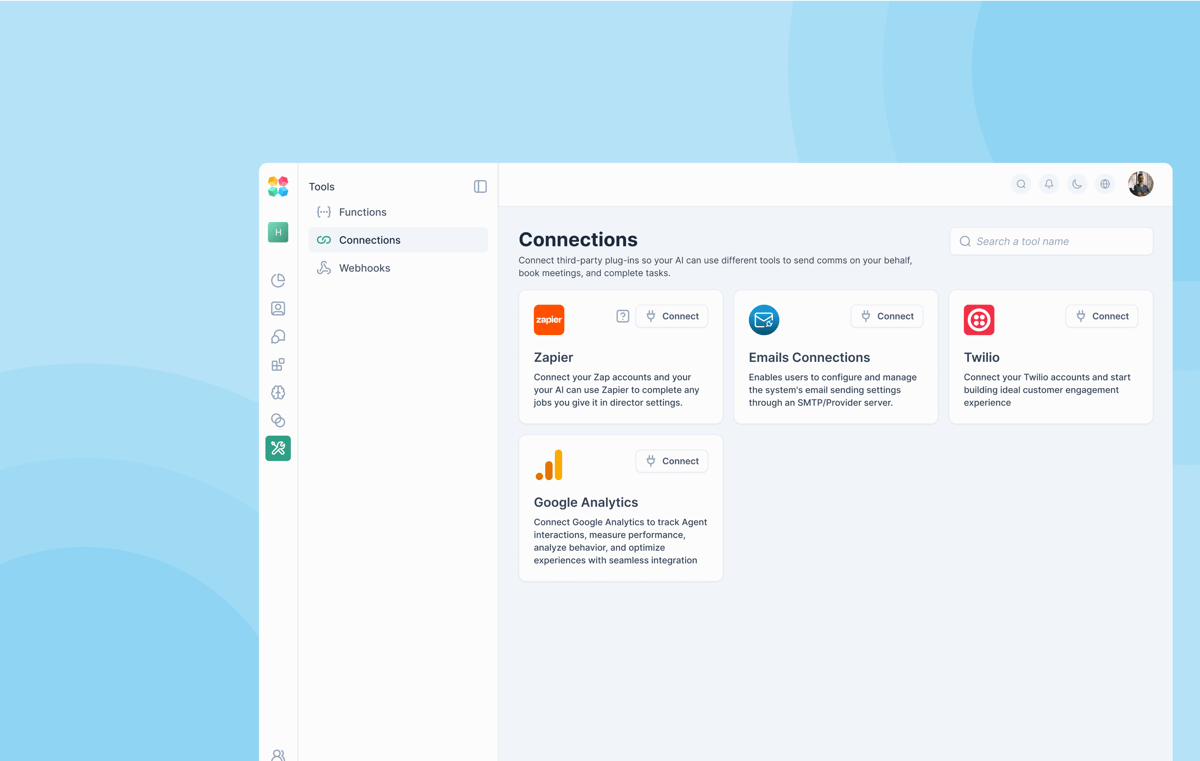
Seamless integration with CRM and your calendar
Sync effortlessly with HubSpot, GoHighLevel, Calendly, and any app via Zapier.
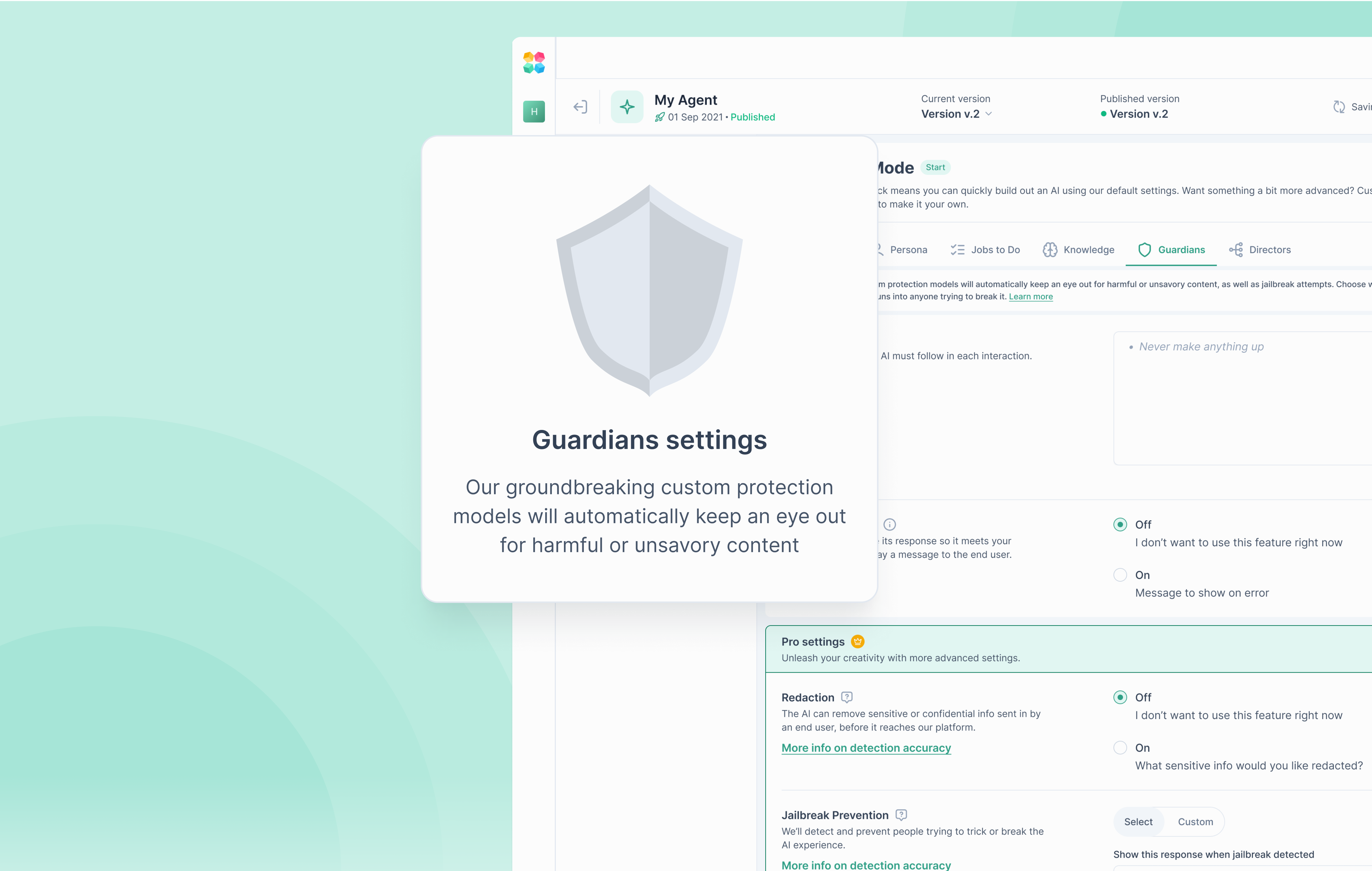
AI guardians protect your brand
Keep every interaction compliant, secure, and on-message with robust brand safeguards.

Long-term memory for lasting relationships
Your AI Agent remembers past interactions and personalizes every exchange.
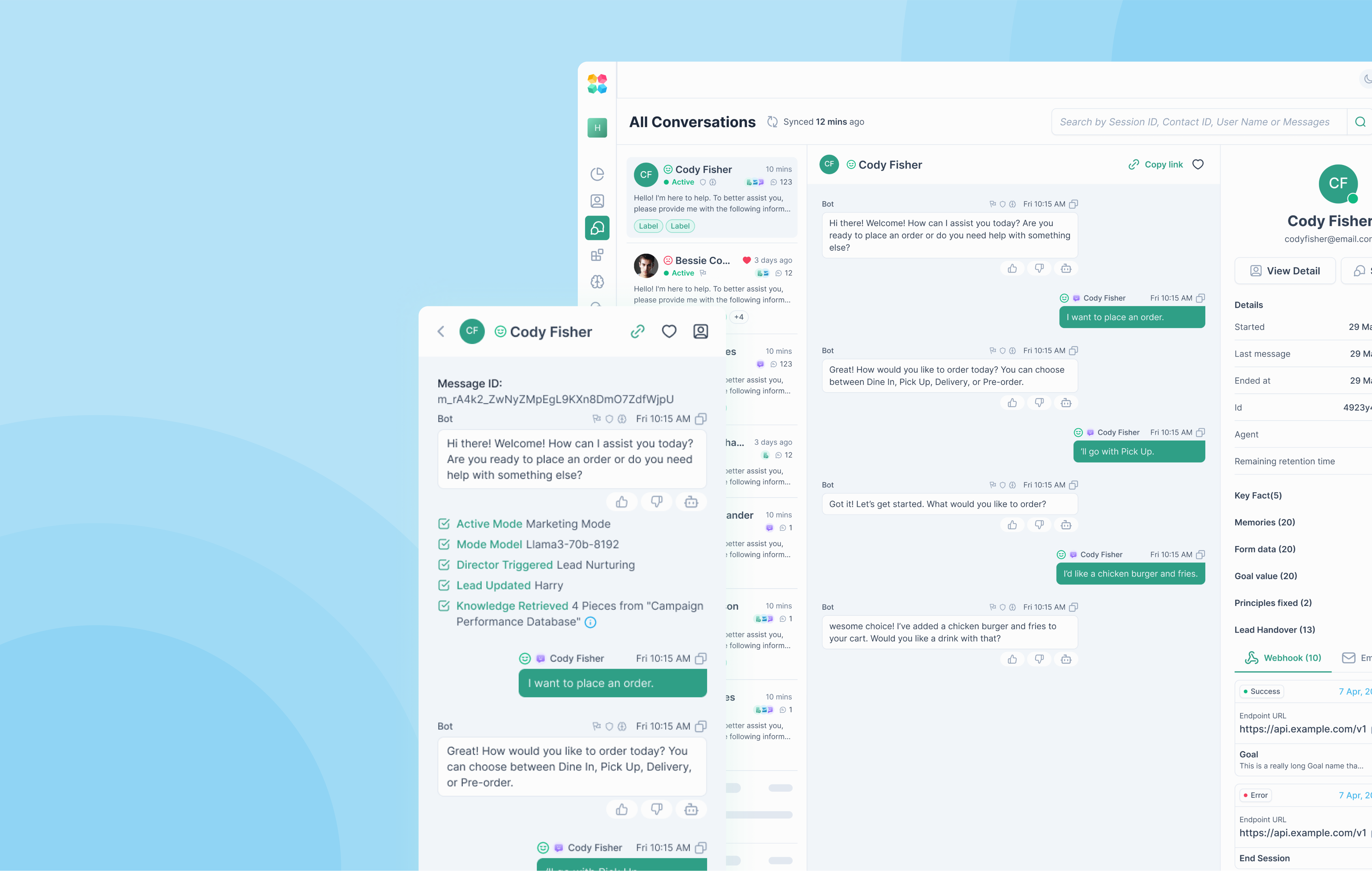
Full visibility into every session
Observe conversations in real-time, ensuring quality, accuracy, and complete oversight.
Auto-schedule calls and meetings
Fill your calendar with zero effort. Let your AI Agent handle your bookings.
Ready to turn SMS into your highest-converting channel?
You've got the SMS infrastructure.
You've got the phone numbers.
Now plug in the AI Agent that turns text messages into qualified pipeline and closed deals.
✅ >70% open rates vs. 5% for email
✅ 45% response rates — real engagement
✅ Qualify leads conversationally over SMS
✅ 24/7 instant responses — never miss an opportunity
✅ Multi-channel continuity — start web, continue SMS